The Perfect Proxy for AdsPower
Why AdsPower + Proxym = 🛡️
AdsPower excels in fingerprint spoofing (Canvas, WebGL, User-Agent), but if the IP associated with your profile is burned (high fraud score), the account will drop regardless of fingerprint quality.
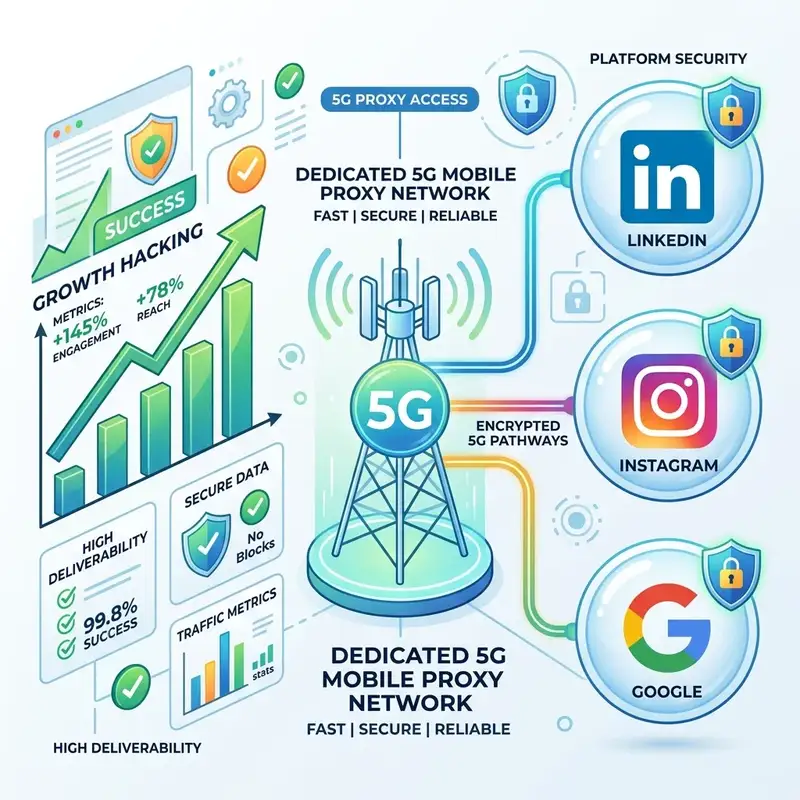
5G Mobile IPs: The holy grail for Facebook Ads
Anti-fraud algorithms of Meta and Google place the highest trust in mobile IP addresses. Why? Because a mobile IP is shared naturally via CGNAT. They cannot block a mobile IP without risking blocking thousands of legitimate users.
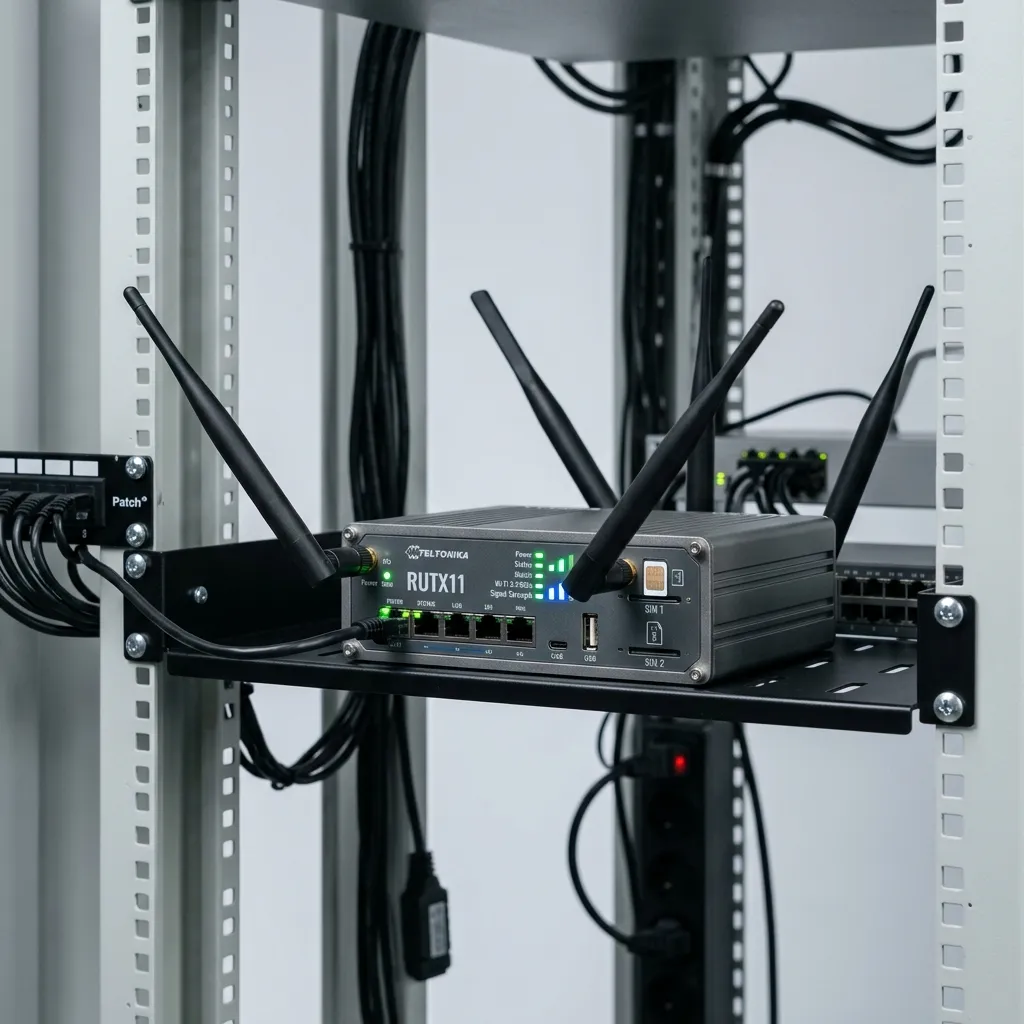
Zero Sharing = Zero Risk of contamination
Unlike classic proxy providers who sell pool access, a Proxym router is 100% dedicated to you. No one else can use your IP for illegitimate actions and degrade its Trust Score before you do.
On-demand rotation via API
Need a fresh clean IP to create a new AdsPower profile? A simple call to our API (or one click on the dashboard) restarts the 5G modem. In 5 seconds, you get a fresh mobile IP directly from the cell tower.
What Kills Your AdsPower Profiles
Datacenter / Shared Residential Proxies
- IP ranges (ASN) known to belong to hosting companies (OVH, AWS).
- Residential IPs already used by other marketers (blacklisted).
- Unstable connections that disconnect your profile in the middle of a session.
The Proxym Setup
- ASN from legitimate French mobile operators (Orange, SFR, Free, Bouygues).
- One SIM card = One user (you). The IP history is clean.
- Stable 5G connection via industrial Teltonika hardware online 24/7.
AdsPower & Mobile Proxies FAQ
How to configure Proxym in AdsPower?
Should I use HTTP or SOCKS5 with AdsPower?
Can I manage multiple profiles with a single Proxym port?
Protect Your Business Managers
Don't let a bad IP ruin your farming efforts. Switch to dedicated mobile proxies.
Get started now